Coyote Time and Jump Buffering in Platformers
Make platformer jumps feel responsive with coyote time and input buffering. Learn when to start each timer, when to clear it, and how to test the result.
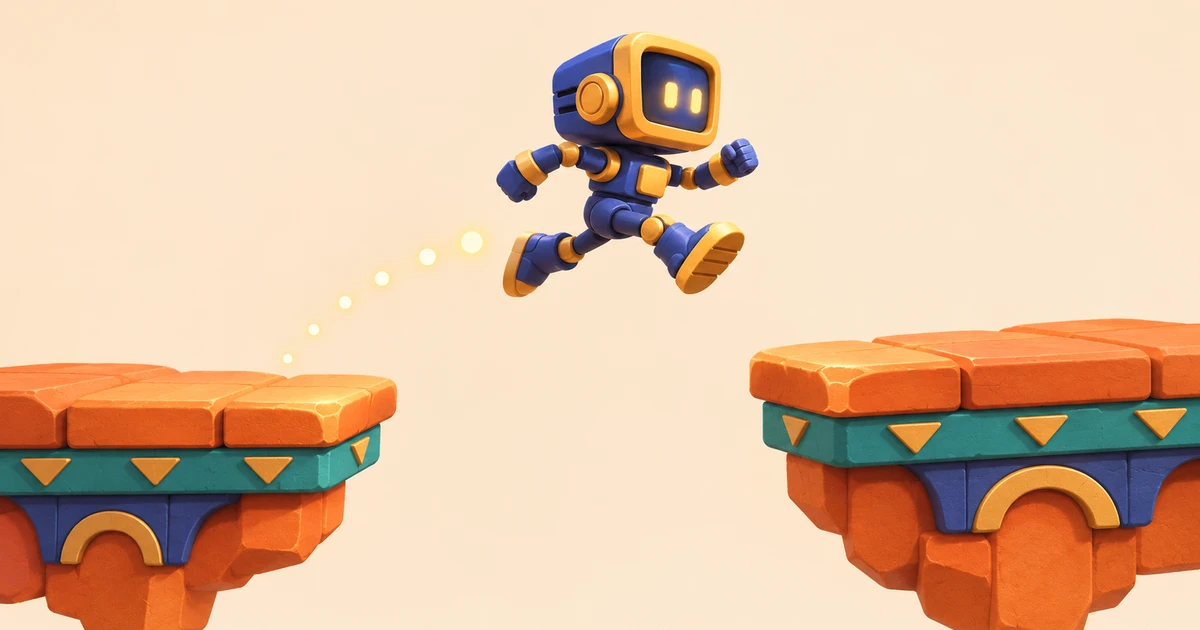
A player runs off a ledge and presses jump a fraction of a second too late. On the next attempt, they press a little too early while landing. A controller that reads only the current physics tick can reject both inputs. Coyote time and jump buffering solve those two timing problems on opposite sides of a ground contact. You can add both without changing the jump arc, the collision shape, or the layout of a level.
Coyote time gives the player a moment after the ledge
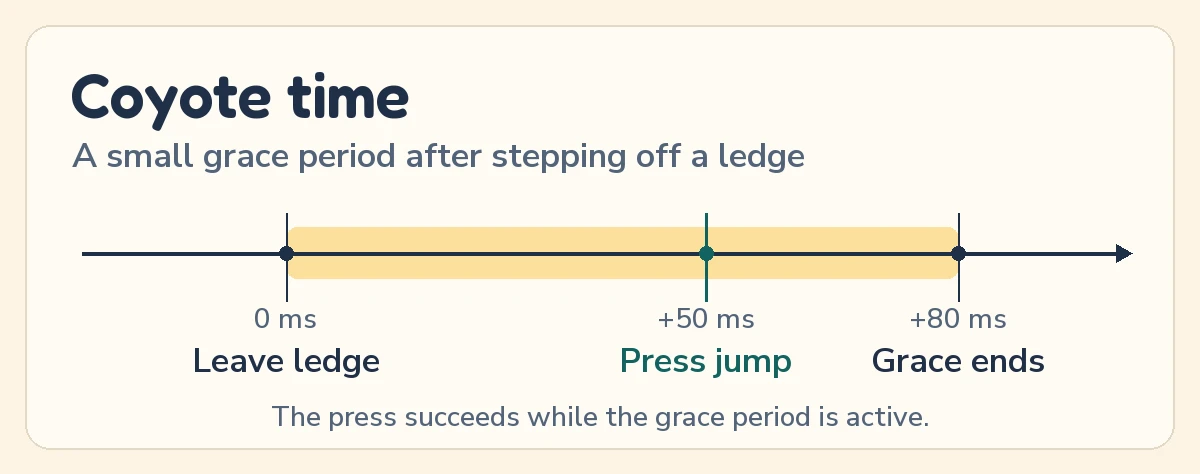
Start a short grace period when the player walks off a ledge while their ground jump is still available. During that period, a press can use the same jump it would have used a moment earlier on solid ground. Maddy Thorson describes this as one of the small allowances that shape the feel of Celeste.
Arm the timer on a genuine loss of ground contact. If the player left the ground by jumping, the ground jump has already been spent. Clearing the grace period on takeoff keeps a second tap from turning coyote time into an unintended double jump.
Source Maddy Thorson’s Celeste & Forgiveness
Jump buffering remembers a press before landing
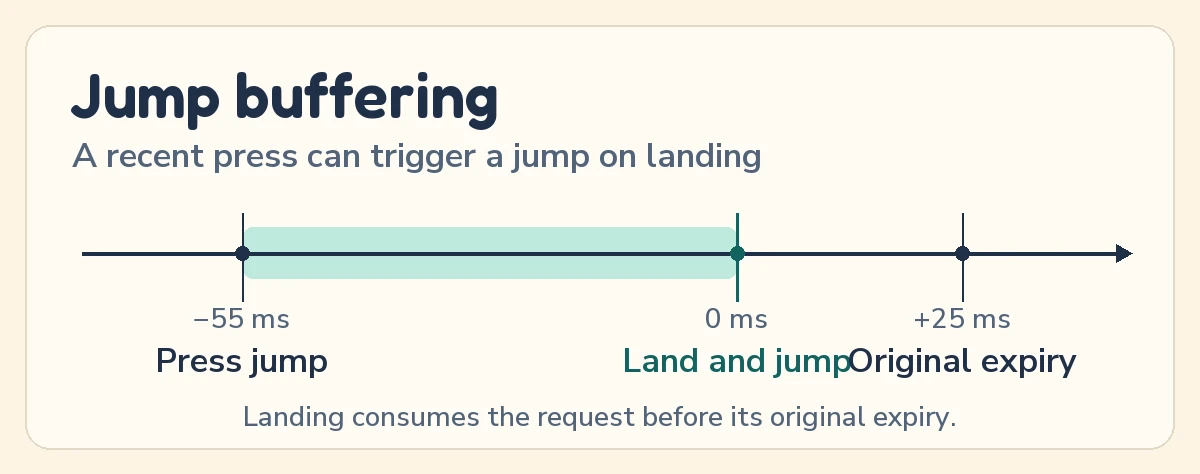
Record a jump request on the transition from released to pressed. When the character lands, check whether that request is still fresh. If it is, use it once and clear it. Celeste’s version also requires the player to keep holding the button until landing. For your own game, decide whether releasing jump should cancel the request or preserve a quick tap.
Keep held input separate from the stored press. A held button can shape jump height or satisfy a deliberate hold requirement, but refreshing the timer every tick can make the character bounce again on the next landing without a new press.
Source Godot’s Input reference on just-pressed and held actions
Put both windows on the same physics clock
Keep two deadlines in your controller, one for the last jump request and one for the ledge grace period. Read the press, update ground contact from the physics step, then let the jump handler consume a fresh request if the character is grounded or has unused grace time. In engines where contact state describes the last completed move, handle the landing after that move. Apply the new jump velocity before the next integration step.
Keep those deadlines in simulation time and tune them independently. At 60 physics ticks per second, 80 ms is roughly five ticks. Physics time keeps that window tied to the movement simulation even when the renderer drops frames. Make the boundary rule explicit so a press exactly at expiry has the same outcome across retries.
Source Godot’s guide to idle and physics processing
Tune with a ledge, a drop, and a log
Start with one ledge and one drop onto a flat platform. Try a press just before the ledge, just after it, and just outside the grace window. Repeat on the drop by pressing early, then so early that the buffer expires before landing. Test a held button and a second tap after takeoff. A broad grace window can let players reach farther than the level was designed for, so verify the hardest nearby gaps before increasing it.
While testing, log each press, last ground contact, landing, and jump. Those timestamps distinguish an expired request from a contact state read one tick too early. When the same intended jump works reliably and stale presses stay quiet, you have a controller that feels more responsive without needing to redraw a single platform.
Source Godot’s character body movement and floor-contact examples